Help
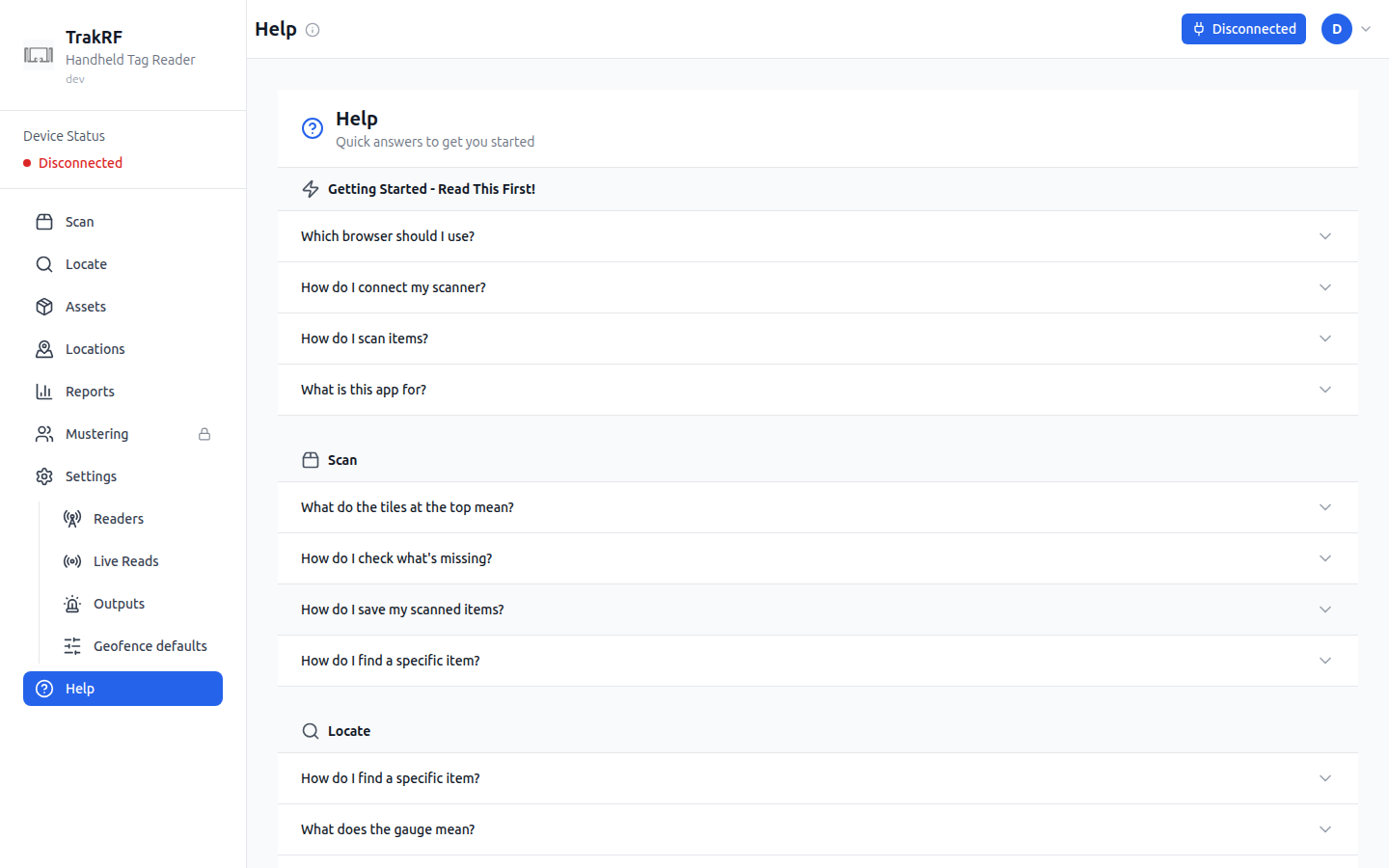
Desktop
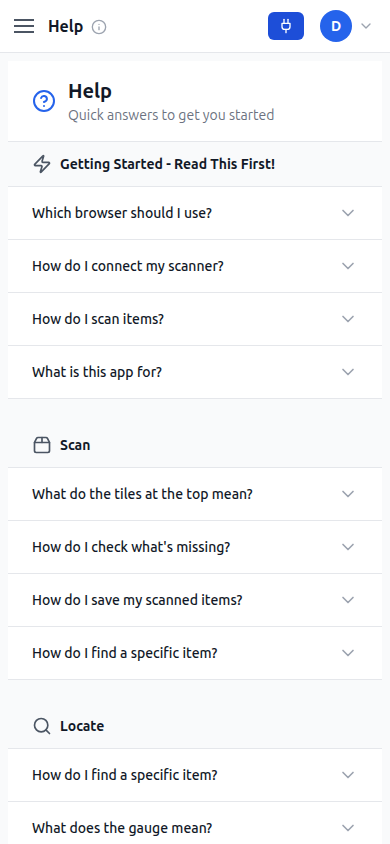
Mobile
What this page does
Help is an in-app FAQ organized into expandable accordions. The top Getting Started - Read This First! section answers "Which browser should I use?", "How do I connect my scanner?", "How do I scan items?", and "What is this app for?". Below that, five more topical groups cover the rest of the app: Scan, Locate, Barcodes, Settings, and Troubleshooting, each with short, task-oriented questions and answers. A Remember callout at the bottom pins the four most-repeated tips (browser, connect-first, hold the trigger, and the green/red color code).
How it fits in the app
Help is the only always-accessible surface that doesn't depend on a paired device or existing data — it's the page to land on when something isn't working. Its group headings name the same surfaces the sidebar does — Scan, Locate, and Settings — with Barcodes covering Scan's Barcode mode, so an answer that tells you to click something names the entry you'll actually find.