Settings
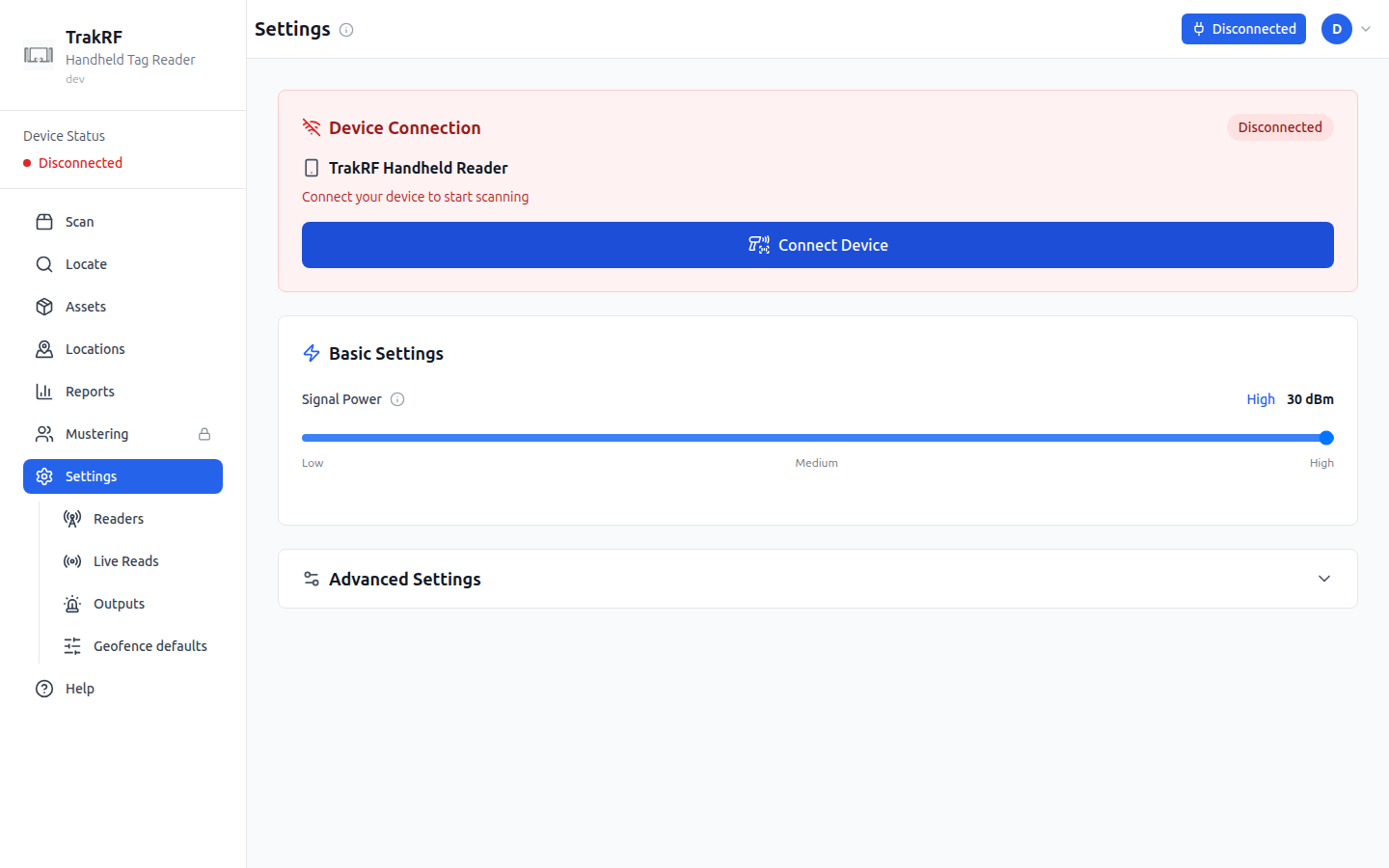
Desktop
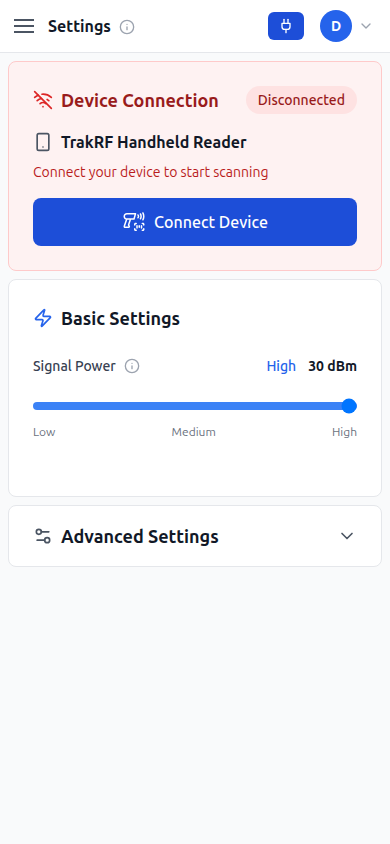
Mobile
What this page does
Settings, subtitled "Configure your RFID reader", exists primarily to pair a handheld reader. The top Device Connection card shows the device status (a red "Disconnected" on a fresh setup with no paired reader) and a Connect Device button that initiates Web Bluetooth pairing. Below that, Basic Settings exposes a Signal Power slider from Low through Medium to High (shown in dBm — e.g. 30 dBm at High), and an Advanced Settings collapsible panel holds the rest of the RFID protocol knobs: a Session persistence level (S0 through S3), Worker Log Level (Error/Warn/Info/Debug), a Battery Check Interval, RF power range guidelines (10-15 dBm for 1-2m, 16-22 dBm for 3-5m, 23-30 dBm for 6m+), device information (compatible readers, connection type, frequency range), and a debug panel toggle.
Settings also anchors a family of pages reachable from the sidebar beneath it — Readers, Live Reads, Outputs, and Geofence defaults — that go deeper on specific device and automation concerns.
How it fits in the app
Settings is the only page that directly changes how the handheld reader behaves — signal power affects read range and battery life, and advanced settings cover session, logging, and battery-check tuning. Every reader-driven screen, including Scan (in both RFID and Barcode mode) and Locate, inherits whatever is configured here, so changes made on this page ripple everywhere.